



Video unavailable. Please try again.
1
7


New
- $179.99
- $179.99
$199.99- Precio unitario
- por
$20.00 off
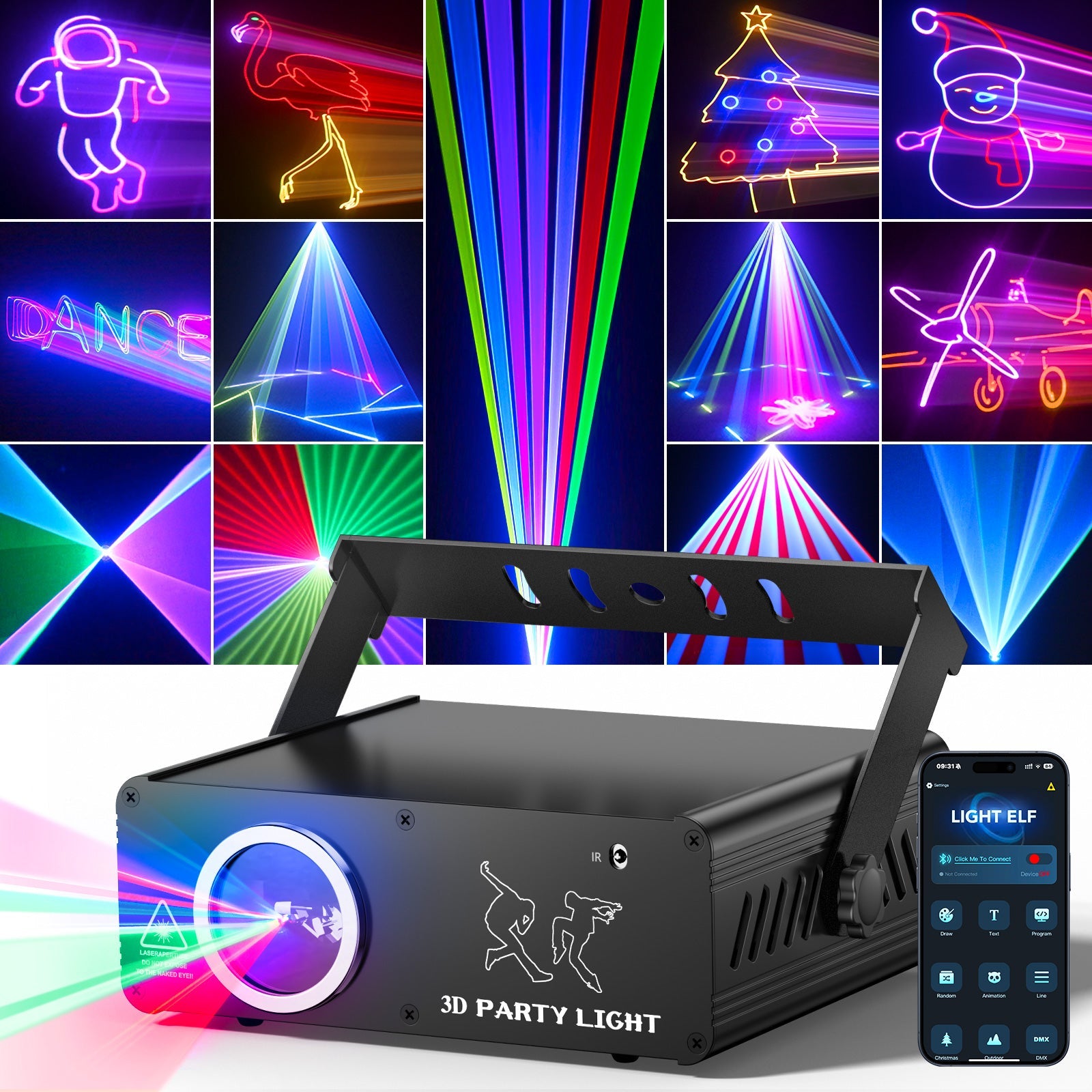
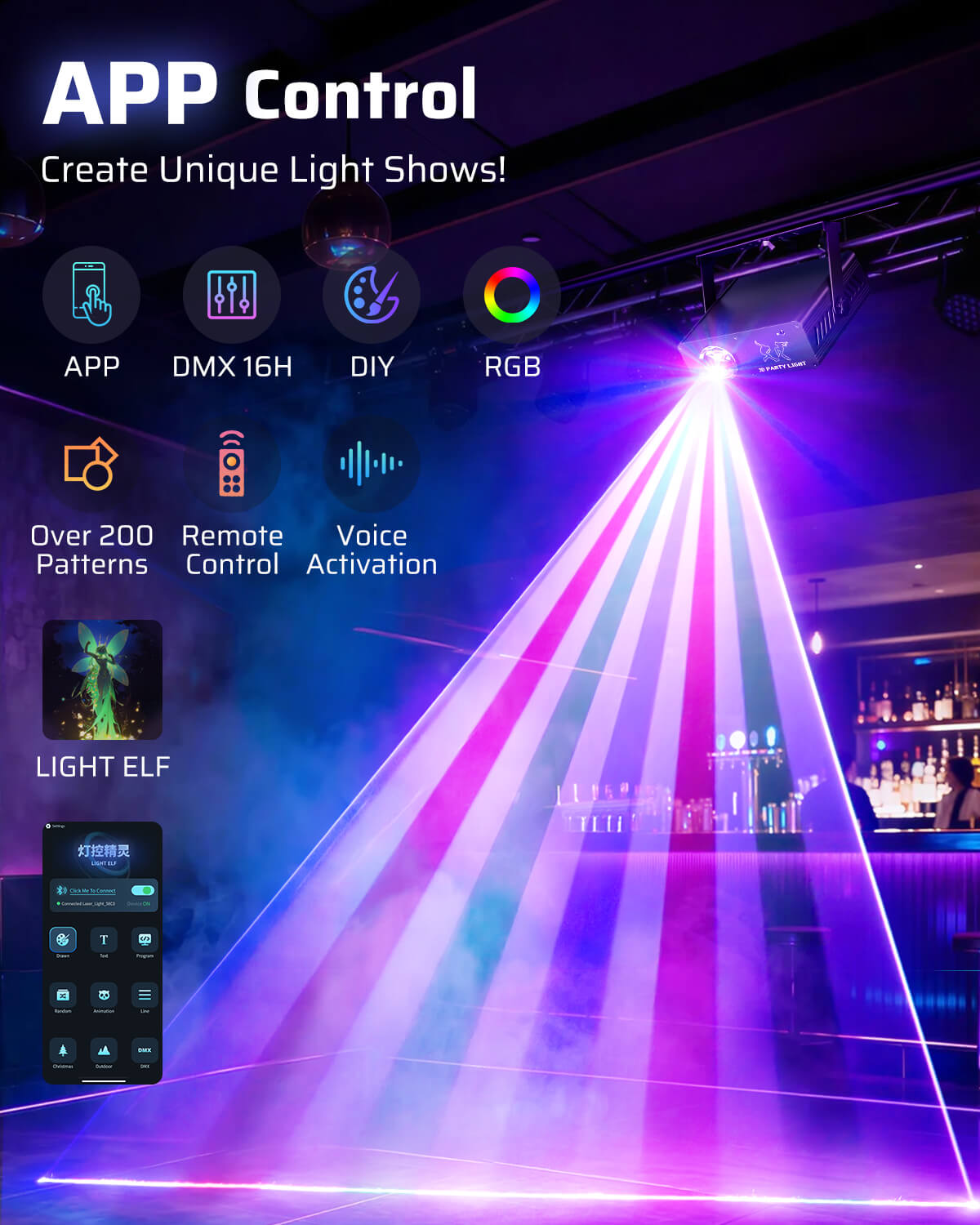
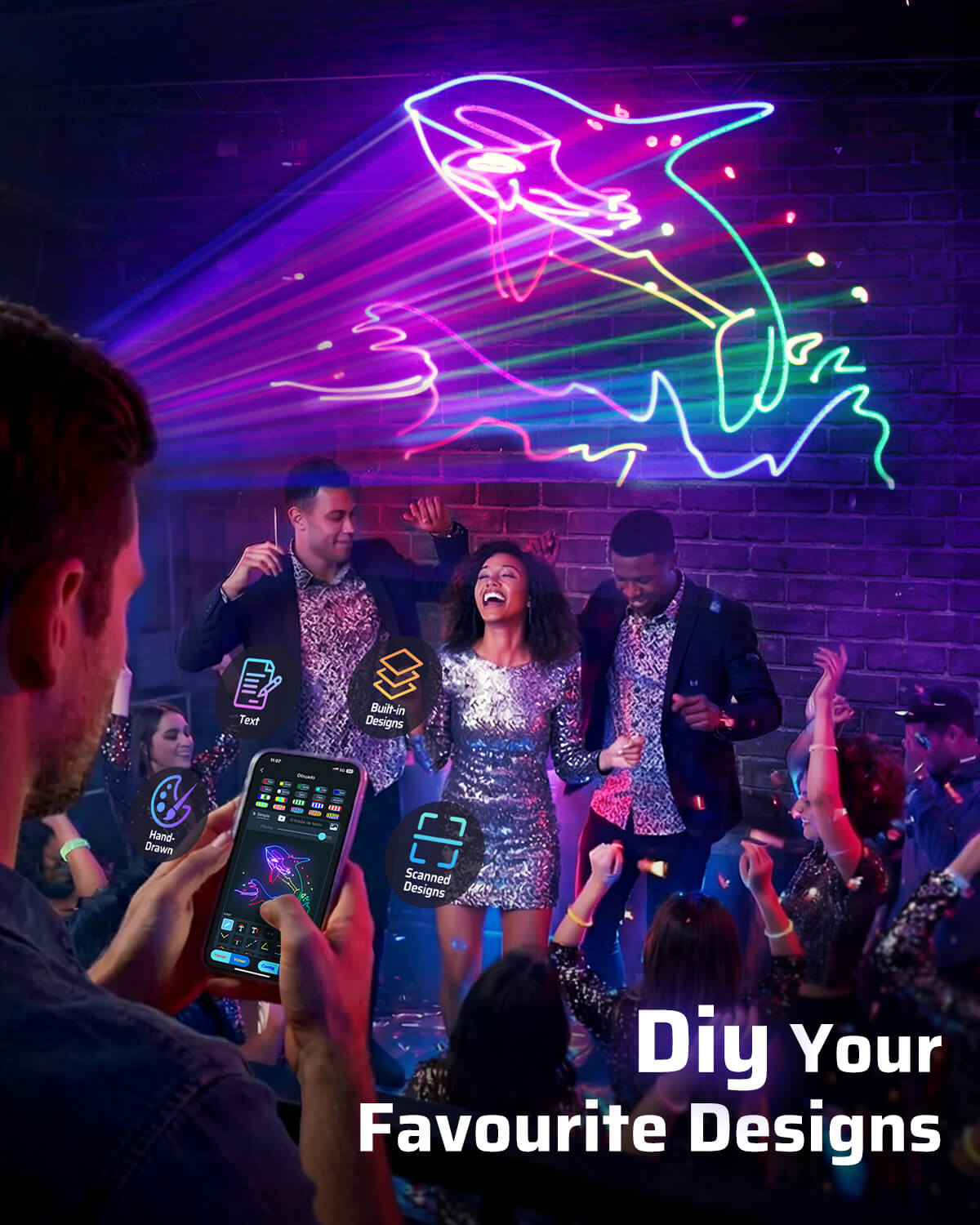
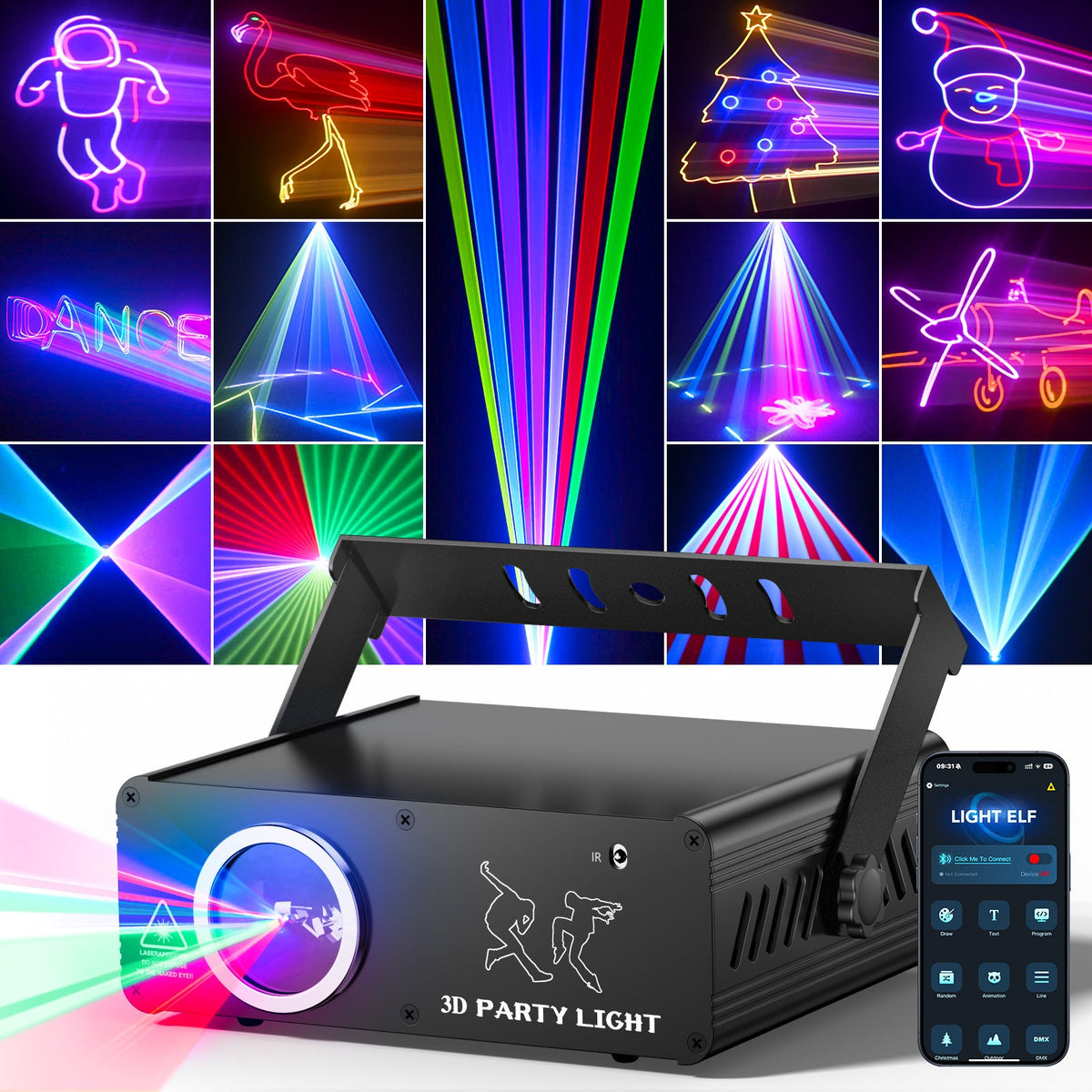
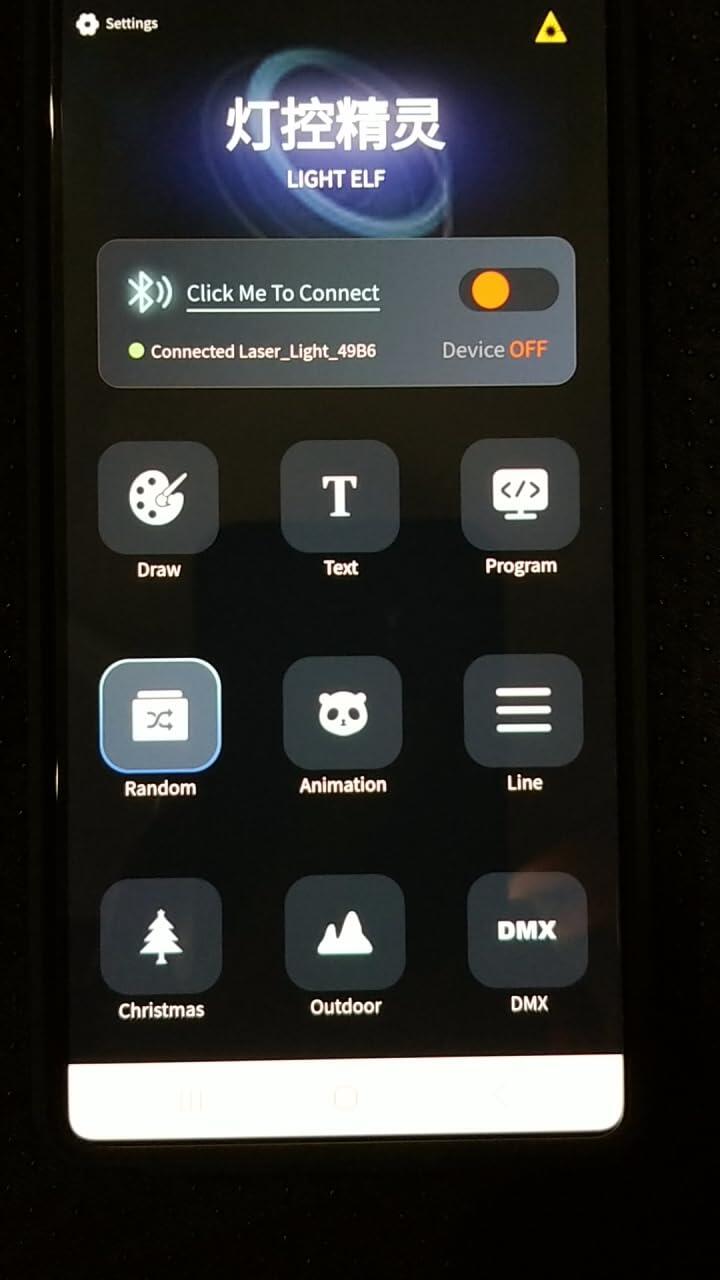
- APP control lets users create custom light shows with names, messages, logos, and personalized patterns.
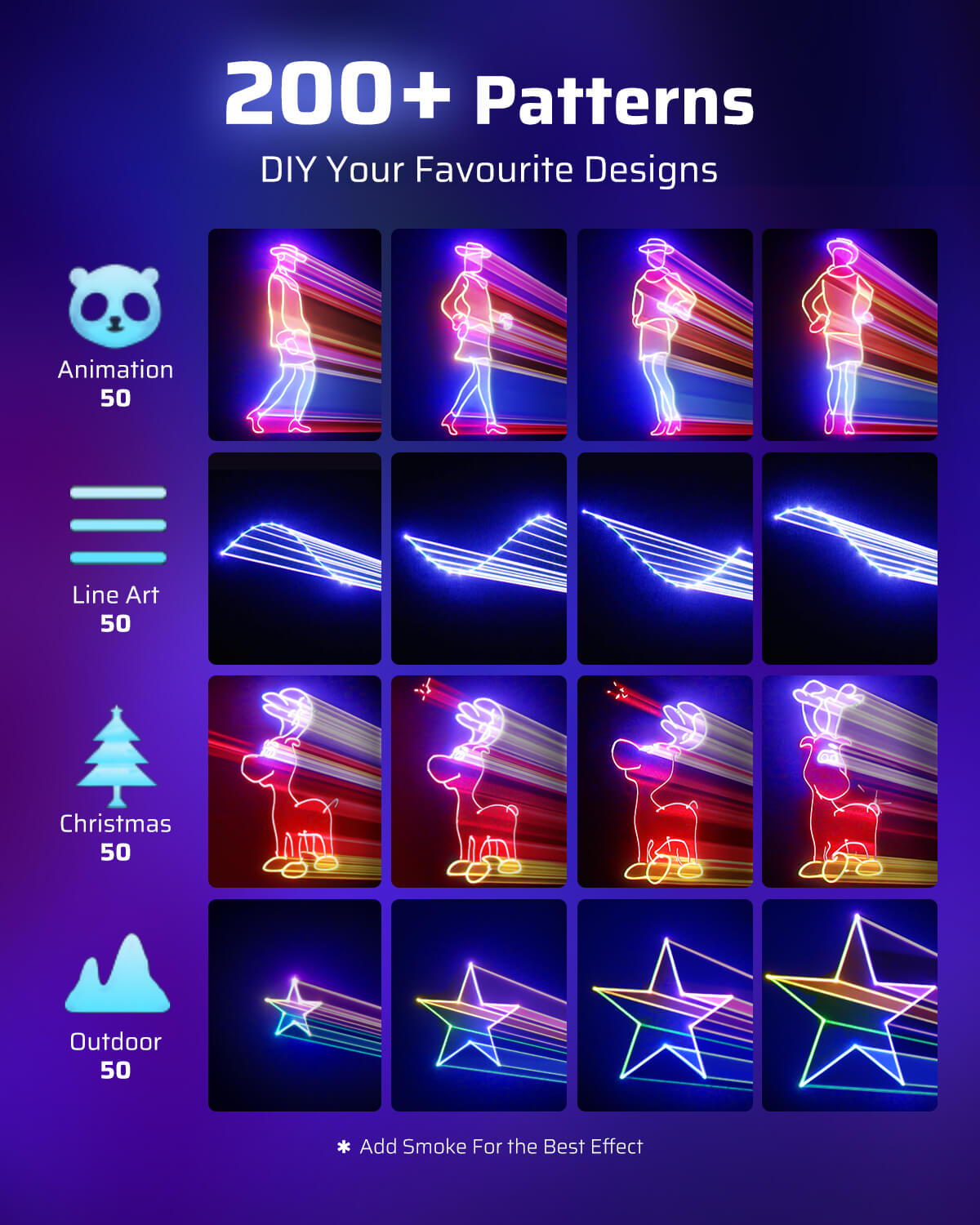
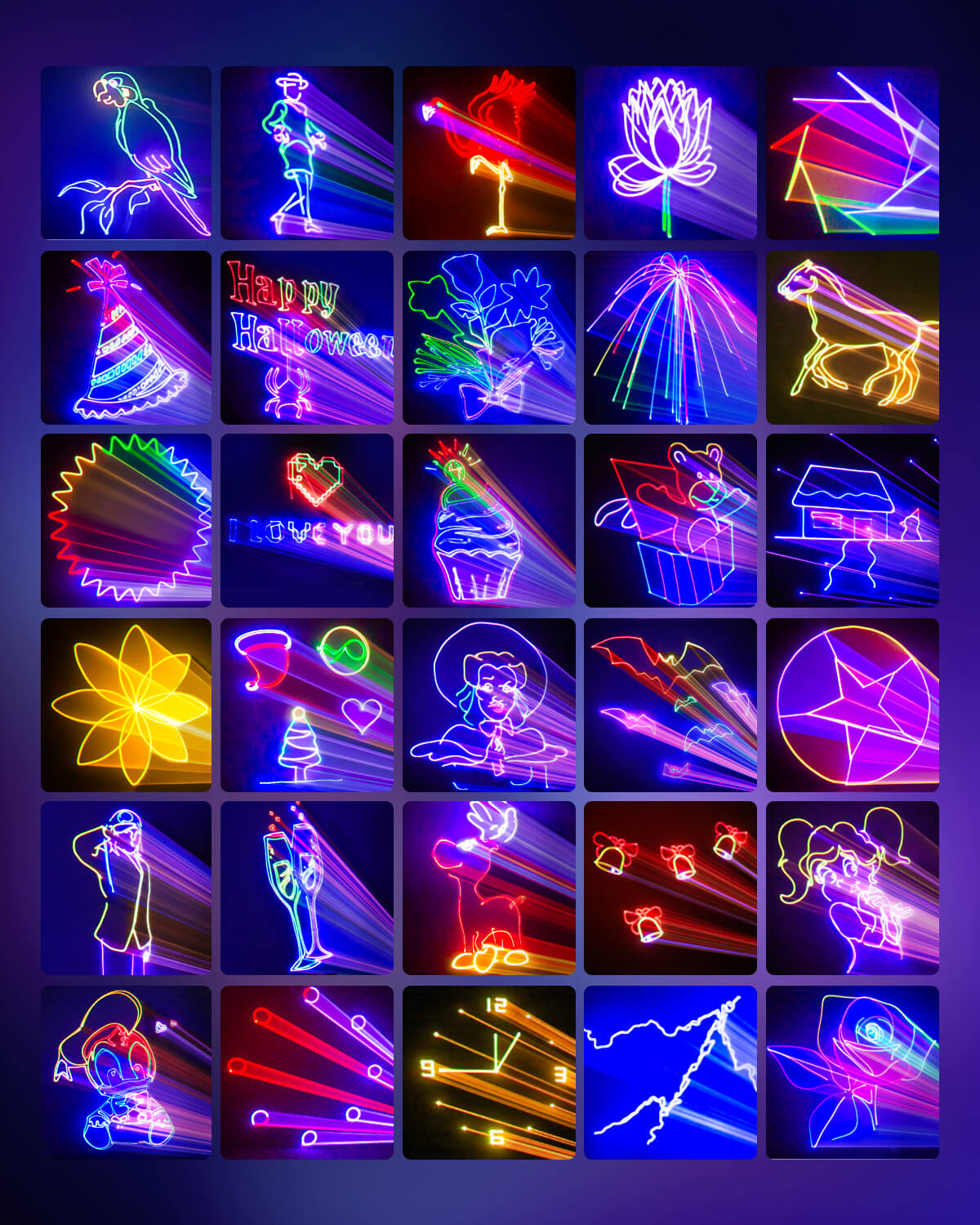
- 200+ built-in 3D RGB animations add instant visual variety for DJs, weddings, holidays, and events.
- Sound-activated mode syncs movement and beams to the music for a more immersive party experience.
- DMX sync and smart controls support both creative home use and more professional stage setups.
more
30-Day Money-Back Guarantee
Not satisfied? We offer a full 30-day money-back guarantee — no questions asked. Simply contact our support team within 30 days of receiving your order and we'll arrange a hassle-free refund. Your satisfaction is our priority.
Fast Local Warehouse Shipping
Orders Are Fulfilled From Our Local Warehouse, Ensuring Fast And Reliable Delivery. Most Orders Arrive Within 3–7 Business Days. You'll Receive A Tracking Number As Soon As Your Order Is Dispatched.
Expert Customer Support
Our dedicated support team is here to help you every step of the way. Whether you have questions about your order, need technical assistance, or want advice on the right product — we're available 7 days a week to ensure you get the best experience.
No se pudo cargar la disponibilidad de recogida
buy now
×
Copy Success
L2400-002 in Action
Explore the KeoBin L2400-002 App-Controlled 3D Animation Party Light through these product videos.
Video unavailable. Please try again.
Video unavailable. Please try again.
Video unavailable. Please try again.
Video unavailable. Please try again.
Swipe or use the arrows to explore all videos.
3D DIY Animation Disco Party Light
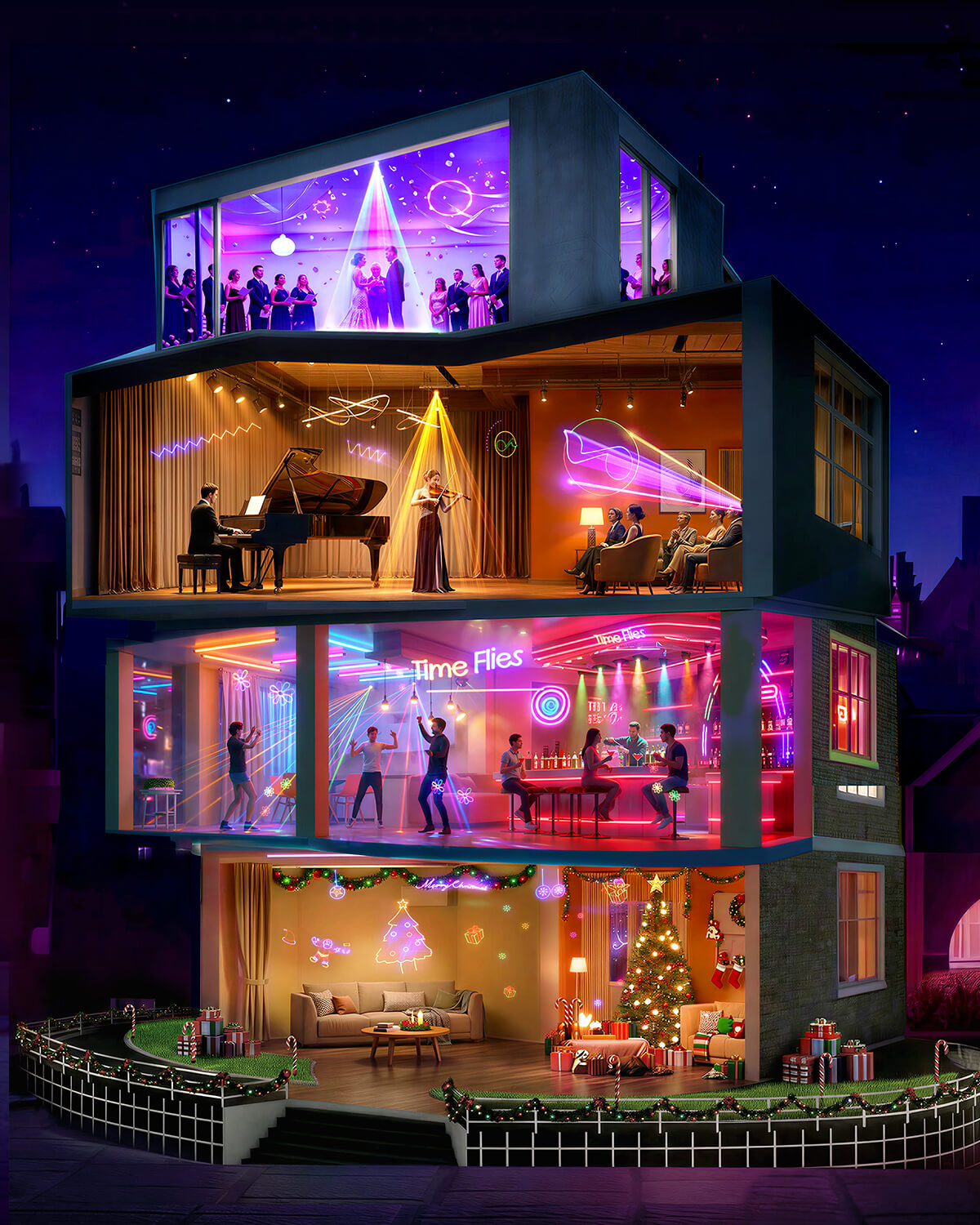
One Light. Every Occasion.
From wedding receptions to Christmas nights — project stunning animated light shows in seconds.


Everything you need to run a professional light show — right out of the box.


Character Animation
Geometric Beams
Festive & Christmas
Party Celebration
LightElf App: Professional RGB Stage Lighting
Control in Your Pocket Design custom light shows, sync DMX effects, and animate your stage — all from your smartphone.


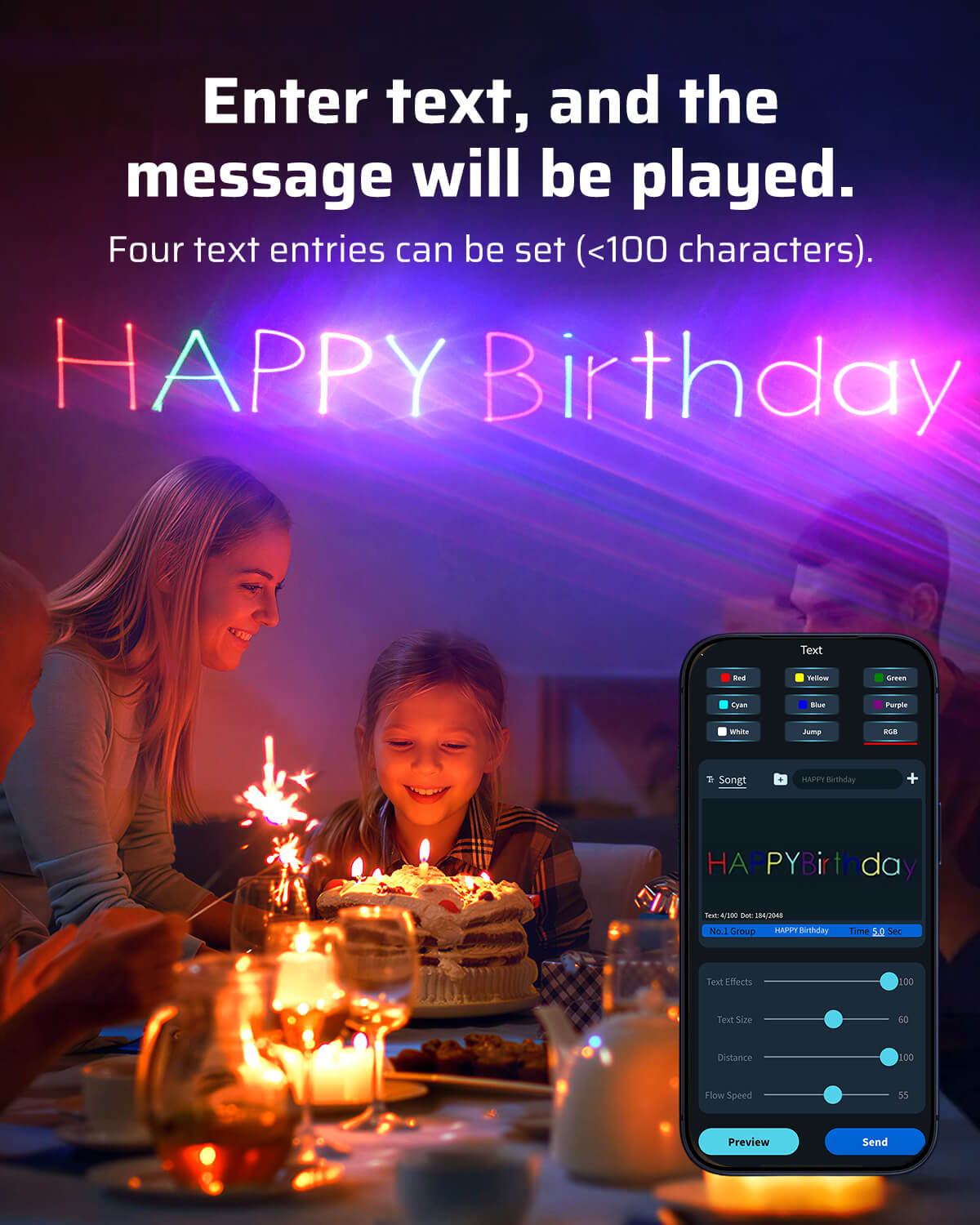
Draw It. Project It. Your Own Light Graphics.
Freehand drawing, embedded graphics library, or image scan — the app converts your input into live projection. Sketch a heart for a proposal. Trace a football club crest for a fan party. Combine multiple elements into one scene.


Versatile Home Party Stage Lights for All Occasions – Wedding, Live Music, Disco & Christmas Party


Three Control Methods. Pick What Works for Your Event.
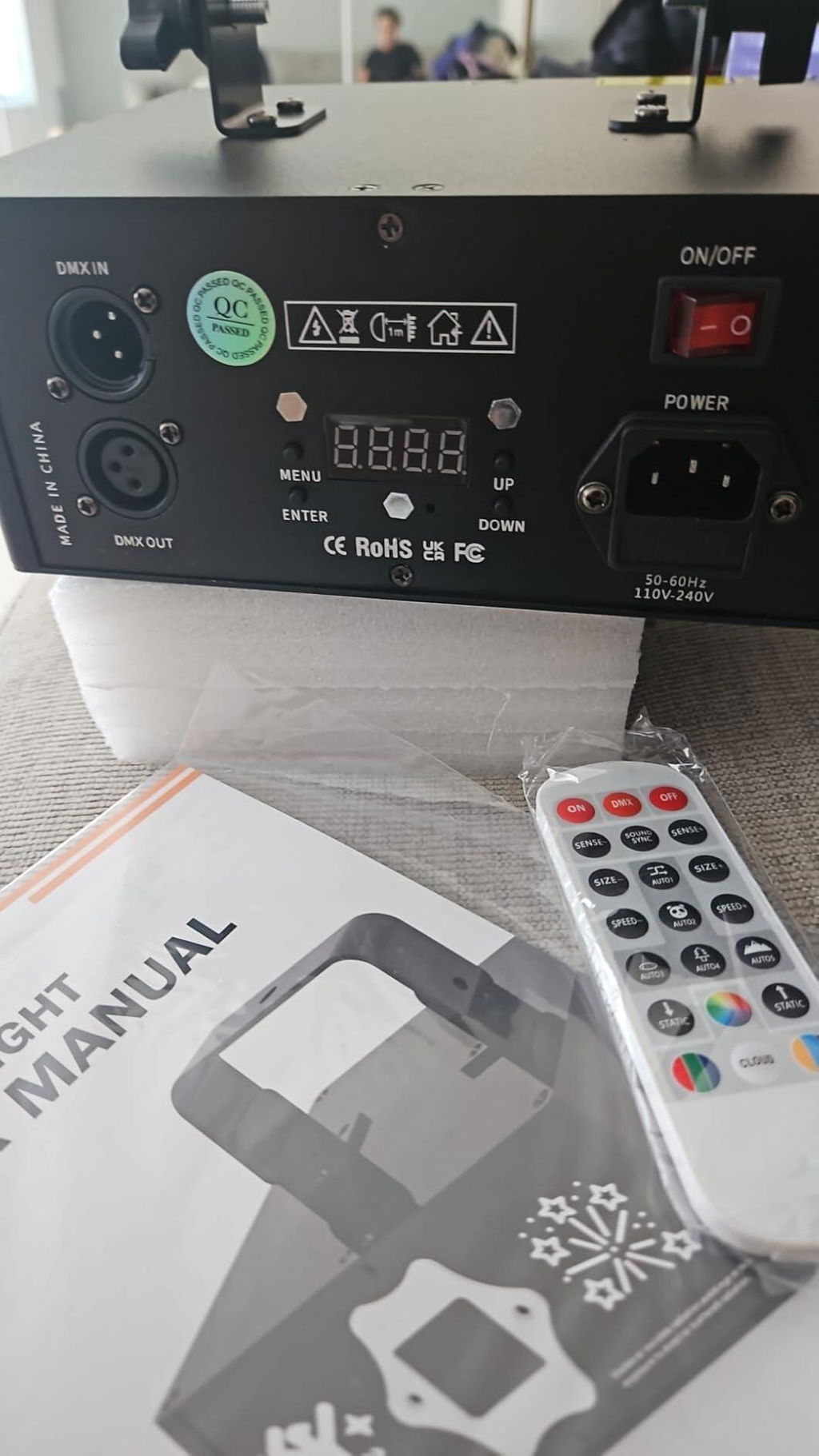
Wireless remote — 21 keys, instant access to power, DMX, auto animation, sound activation, RGB mixing, and 4 custom scene collections. No menu diving.
Rear control panel — digital display, manual DMX addressing and navigation. No phone required.


DMX IN/OUT — 3-pin ports, daisy-chain multiple units for professional installations.
Auto mode: power on, press AUTO, lights follow music automatically. No configuration.


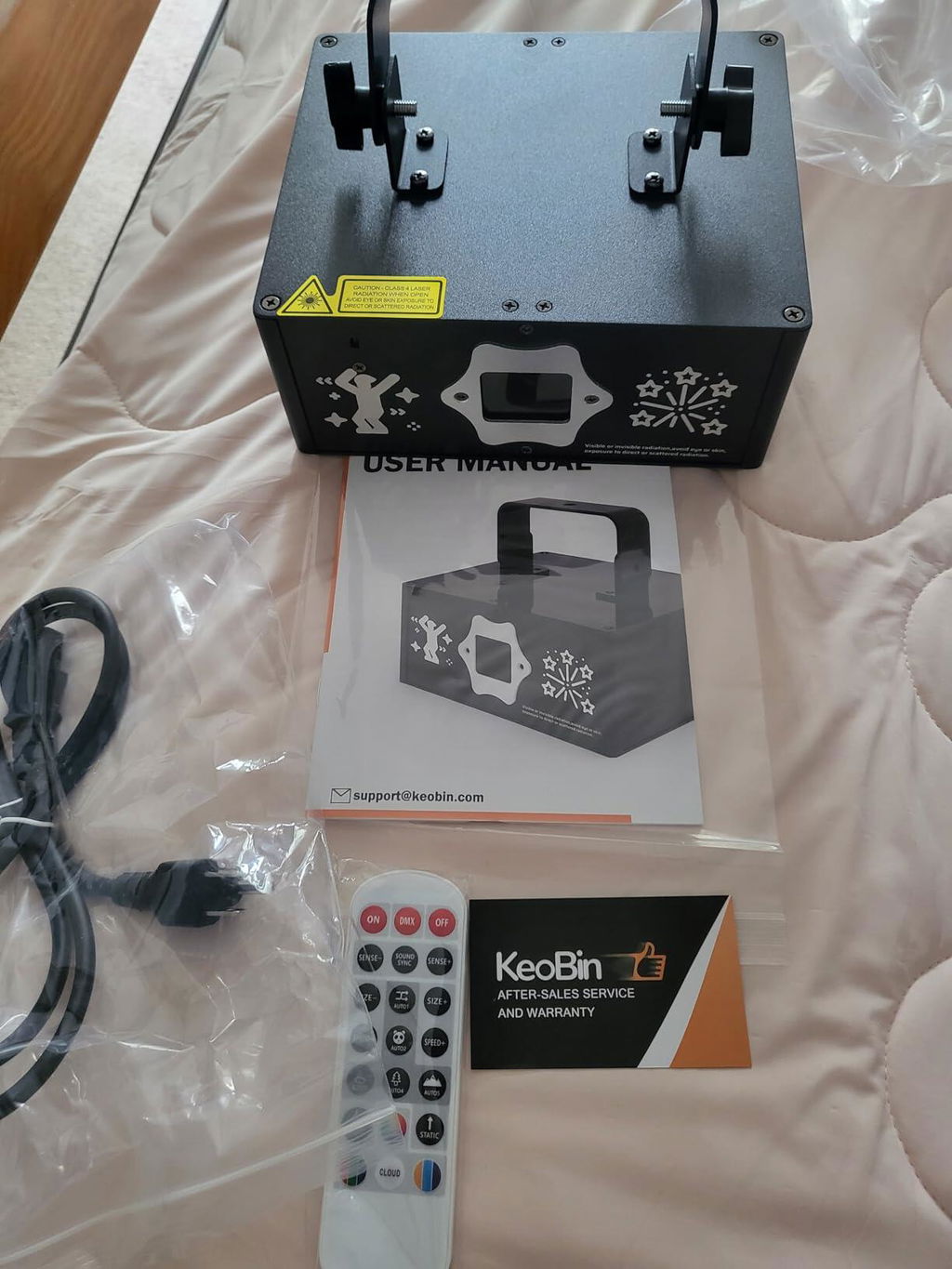
Complete Package. Unbox and Operate in 3 Minutes.


See It in Action
Watch how the LightElf App transforms any space into a professional light show. Draw custom RGB patterns, activate sound-sync mode, and control DMX effects — all from your smartphone. No experience needed.
Specifications
Product Info
Brand
Keobin
Model
L2400-002
Light Source Type
RGB Laser
Working Voltage
AC 110–240V, 50/60Hz ±10%
Power Supply
Plug-in (Wired)
Core Technology
High-Speed Scanning Mirror (3D Animation)
Control Modes
Voice Control / Auto / Slave / DMX / Remote / APP
Remote Control Range
Up to 10m (33ft)
Cooling System
Fan-Forced Cooling
Working Environment
Indoor (10–35°C / 50–95°F)
Physical Specifications
Housing Material
Aluminum Alloy
Shape
Rectangular
Color
Black
Surface Finish
Spray Paint
Mounting Options
Ceiling / Floor / Wall / Desktop
Certifications
FDA, IEC60825, CE-EMC, CE-LVD, FCC-SDOC, RoHS 2.0, UL 1573
Beam Safety Class
IEC 60825-1:2007 Class 1
Product Weight
1.86 kg (4.1 lbs)
Product Dimensions
20.8 × 16.5 × 13.4 cm (8.19 × 6.49 × 5.29 in)
Package Contents
Light Unit, Power Cable, Remote Control, User Manual
FAQ
Got questions about the Keobin L2400-002? We've got answers. Find everything you need to know about setup, control, compatibility, and more.
How do I connect the light to the LightElf app?
Power on the L2400-002, enable Bluetooth on your phone, then open the LightElf app on iOS or Android and follow the in-app connection steps. Keep your phone close to the light during the first connection and allow the app to use Bluetooth or nearby-device permissions. Once connected, you can browse built-in effects, draw patterns, create text and adjust supported settings directly from your phone.
How can I control the L2400-002, and do I need a DMX controller?
The L2400-002 gives you several convenient control options. Use the rear-panel buttons, the included remote control or the LightElf app for quick everyday operation. For coordinated stage setups, it also supports DMX512 addressing from 1 to 512 and Master/Slave synchronization. The remote works from up to 10 m (33 ft) with a clear line of sight, while DMX support gives event professionals more flexibility for programmed shows.
Where does the L2400-002 work best?
The L2400-002 is designed to create vivid effects in dry indoor spaces at 10–35°C (50–95°F). It is a great fit for home parties, event halls, bars, clubs, DJ booths and stages. For the clearest projection, use it in a dim environment, position it on a stable surface or secure mount, and keep the ventilation openings clear.
What's included in the box?
The box includes one KeoBin L2400-002 light fixture, one power cable, one remote control and one user manual. The main unit is plug-in powered, so you can begin exploring its built-in effects as soon as it is set up. Choose the correct plug version for your country when ordering.
What do the AUTO programs do?
The rear panel provides eight program groups: AUTO 1 for line effects, AUTO 2 for animation effects, AUTO 3 for a mix of all programs, AUTO 4 for built-in text, AUTO 5 for Christmas and New Year effects, AUTO 6 for landmark animations, AUTO 7 for custom programs and AUTO 8 for hand-drawn designs. Playback speed can be adjusted from SP 0 to SP 9. Sound activation is available only on supported program groups.
How do I make the light react to music?
Press SOUND on the remote, or set SOUND to S_ON from the rear panel. The built-in microphone then responds to music and strong beats; this is sound activation, not voice-command control. Use the SOUND SENSITIVITY buttons on the remote or adjust SENSE from SE 40 to SE 90 on the panel. If the response is too weak, move the light closer to the speaker or increase sensitivity. If it changes too easily from background noise, reduce sensitivity.
How do I correct an upside-down or mirrored image?
Use the INVERT X/Y and SWAP X/Y control on the remote to change the projection orientation. This is useful when the fixture is ceiling-mounted, positioned behind the audience or aimed at a wall from a different direction. Cycle through the orientation options until text and animations display correctly.
How do I browse ILD graphics and save favorite effects?
Press ILD on the remote to enter the built-in graphic library, then use UP and DOWN to browse effects F.001–F.200. While you are in ILD mode, press COLLECT 1, 2, 3 or 4 to save a favorite ILD animation for quick access. Switching back to an automatic mode exits ILD mode.
How do I get the best response from the remote control?
Use the remote within 10 m (33 ft) and aim it toward the fixture with a clear line of sight. Before first use, remove the battery-isolation tab if present. The remote gives you quick access to automatic shows, sound activation, ILD graphics, speed, sensitivity, orientation and favorite-effect controls.
How should I position and use the laser safely?
Install the fixture securely with at least 0.5 m (1.6 ft) of clearance and test the projection area before guests enter. Aim effects above or away from eye level and keep beams directed away from people, animals, vehicles, aircraft, mirrors, windows and shiny reflective surfaces. Keep the vents clear, avoid looking into the aperture and switch the fixture off when the event is finished.
Is the L2400-002 certified for use in America?
Yes. The L2400-002 holds CE-EMC, CE-LVD, RoHS 2.0, FCC-SDOC, FDA, IEC60825, and UL 1573 certifications, making it fully compliant for use across the USA.
User Manual
I
Excellent product with very nice and functional lights. I recommend it 100%. I am very happy with my purchase.
O
I am a DJ and a big fan of lighting effects. I bought this laser light to try it out and was really impressed. It has several automatic modes with lines, shapes, and animations, and the custom text option adds a special touch for events.
P
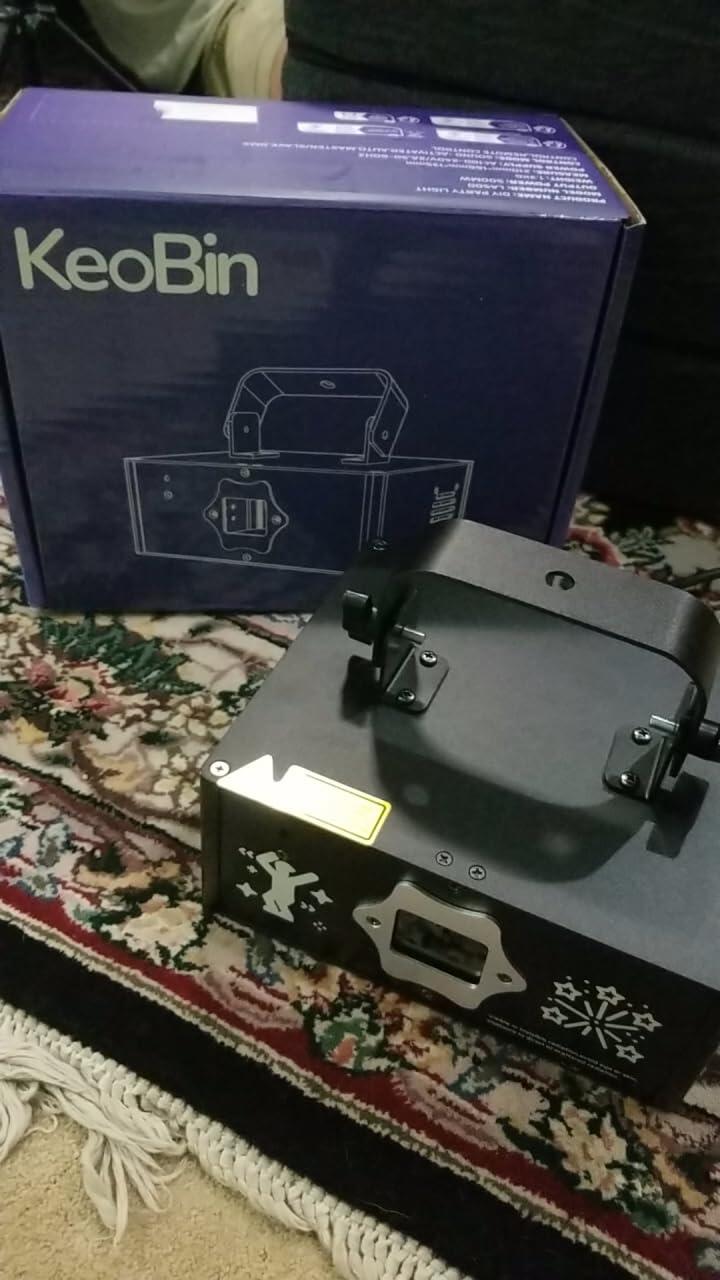
This thing is awesome right out of the box. It has a ton of cool presets, and the built-in animations are my favorite part. It looks great in motion and adds a lot of energy to the space. The build quality feels solid and professional.
C
I ordered this professional DIY DJ laser light for a big graduation event and was very impressed. The unit felt solid, setup was simple, and it created a strong party atmosphere without needing extra lighting equipment.
P
Works great! Just what I needed
E
Contento
S
Alles top. Laser macht was er soll.
L
I am quite satisfied with my purchase. It has exceeded my initial expectations and I’m discovering tha features constantly.
D
love it for bar where I dj
A
works like i expected, looking forward to get to know i better
M
Fajna zabawka do imprezek domowych. Polecam.
S
Super lazeris. Ačiū
J
This laser light system brings the party to life! App control is super fun and easy—custom animations, text, and drawing make every event unique. Over 200+ built-in effects ready to play for holidays, birthdays, or home fun. Durable, bright, creative—a must-have for party lovers!
M
We recently used this at my niece's graduation party and had a blast. It is compact, lightweight, and easy to carry. Includes manual, power cord, and remote. You can also control via App, which is simple to use. Comes with preset patterns and allows custom creations. Lights are bright and effects are great.
L
Works great and is very bright. I love it.
C
This laser light show really blew me away. Right out of the box, plugged it in, and enjoyed a breathtaking light show! I love it. The laser beams are bold and look amazing projected on the wall. It covers a large wall area, and I stood watching for half an hour with different patterns constantly changing. I especially love the custom functions and app integration... perfect for new businesses to display logos or taglines. Outstanding device, highly recommended!
Y
Perfect fit and easy to use.
R
Best laser light ever this thing is cool!
B
This makes setting the mood feel so much less like a chore because you can actually customize your show through a mobile app — you can even draw patterns with your finger or type out custom text like "Happy Birthday". It’s really awesome — the 200+ built-in 3D animations are a huge relief for anyone who wants pro-level stage effects without the headache of complex programming. The build quality is solid, and it's a huge plus that it offers both Sound-Activated and DMX modes. This means the lasers pulse perfectly with the beat of your music, making it a super reliable, set-it-and-forget-it tool for backyard parties or indoor events. The RGB projector covers a massive area of over 400 square feet, delivering vibrant, even lighting, and the built-in cooling fan keeps it running stable even during long, 8-hour sessions. The only reason I’m giving it four stars instead of five is due to a couple of minor software limitations: you can’t save hand-drawn patterns directly into the main library, and to get that full, immersive 3D beam effect, you definitely need to pair it with a fog machine. Without smoke, you're mostly seeing the flat patterns on the wall rather than the dynamic scanning beams.
D
This DJ laser light works great, especially with the APP control. While it comes with preset patterns, the true value lies in customization—you can easily add text, shapes, and simple images via the app. I uploaded a photo of my nephew and created a cool silhouette with text. Simple images work best for mapping—complex or detailed ones don't translate as well, which is expected. This makes it perfect for weddings, parties, or special events where you can display names, dates, or custom designs. The laser is bright, colorful, supports multiple colors, and creates a dynamic light show. If you want to take your party setup to the next level, this is a fantastic and fun choice. Highly recommended!
N
I am completely in love with this light and it wowed the crowd at my event!! Love the remote and phone app programming features. Highly recommend for any DJ wanting to add that extra flare to their setup.
B
Replaced fireworks with laser show on side of house. It was a great add to the evening with fireworks banned this year.
0
Very nice item. Better light and laser designs than expected. It is a hit with friends!
M
Super belle effet. The animations are stunning and the app control makes it so easy to customize everything.
S
Excellent communication! The shipping was great, packaging was fine and the piece was as described. The laser effects are way better than I expected for this price point.
B
It took a little while to figure out the app connection, but it works well now. We enjoy all the animations.
A
For the price these are great. We wanted something for the venues that we play where there are no built-in lights, and this completely transformed our setup. The APP control is a game changer.
J
These laser lights really bring the mood to the party. They are perfect for home entertainment, and my friends loved them too.
V
This thing is awesome. The app is cool, and it feels like there are almost unlimited things you can do with the lasers.
B
This is much nicer than the cheap lasers that just spin. Well worth the money.